


For anyone who enjoys getting their sensitive personal information stolen, or who likes to become an unwitting participant in a botnet attack (a cyber attack where the attacker hijacks devices to send spam or to further a denial of service attack), this is the post for you! With the rise of the smart home and “Internet of Things” (or IoT) devices, it’s a brave new world for cyber security. Cyber criminals have new avenues for malfeasance and accordingly, consumers have to be even more vigilant in protecting themselves. According to security research firm, Synack, “Right now, the internet of things is like computer security was in the nineties, when everything was new and no one had any security standards or any way to monitor their devices for security”. When it comes to security, the devices in your smart home may not be so smart after all.
Here are our 5.5 tips to make that situation worse:
1. Don’t change the default password on any device.
Chances are that the default username on your router is “admin” and the default password is “password” or “1234”. Keeping it this way is an easy way to let intruders right through the main door of your connected home. The same logic applies for all your other connected devices, from hubs to security cameras to refrigerators. So, if you want to stay safe, please change you default passwords - preferably to one with at least 8 characters, with an uppercase letter, a lowercase letter, a number and a symbol.

“Default” by GotCredit is licensed under CC BY 2.0
2. Require a password but make it easy to guess or let hackers guess as many times as they want!
Great, you’ve changed “1234” to “love.” You’ve only made a hacker’s job a hair harder. A simple dictionary attack can give a cyber criminal the keys to your smart home castle. A dictionary attack is a way to hack into a password-protected computer by using a program to systemically try every item in a list of commonly used passwords (called a “dictionary”) until entry is gained.
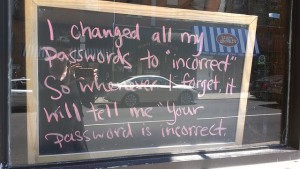
“Incorrect Passwords” by Lulu Hoeller is licensed under CC BY 2.0
You may be thinking, “Good luck, cyber bad guys! My password is x2Ztq*#RvB9!ü (yes, with an umlaut!). They’re never going to guess that!” On the first try (or first thousand), probably not. However, if you let hackers guess as many times as they want, it’s only a matter of time before they get in. This is called a brute force attack, where a hacker uses a computer to systematically attempt multiple combinations of characters/passwords until the right one is found. This can be used in combination with dictionary attacks.
Are the makers of your #IoT devices smart enough to limit the number of failed attempts? For those of you who have ten year old WiFi routers, vulnerability comes standard, so definitely don’t upgrade to a router that has Wi-Fi protected setup. Seriously though, please upgrade your WiFi router and do a little bit of homework to see if the makers of your smart home and IoT devices limit the number of incorrect password attempts.
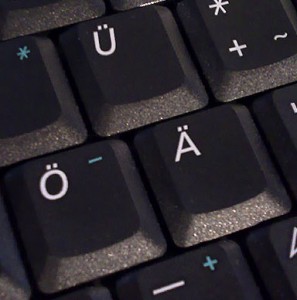
“Germanic umlaut on keyboard” by LSDSL is licensed under CC BY-SA 3.0
3. Use the same password over and over again.
Great, you’ve come up with a 12 character password that has an uppercase letter, a lowercase letter, a number and a symbol. However, if you use the same password for all your accounts, just one slip up will compromise all your accounts - from smart home devices, to banking, to e-mail, to e-commerce sites, etc. We suggest you look into services, like LastPass, that will automatically create unique passwords for each of your accounts.
4. Trust anyone on your home Wi-Fi network.
Hosting an open unsecured Wi-Fi network without a password is an easy way to let intruders snoop into your personal information. It also lets hackers effectively borrow your name to commit cyber crimes. Illegal activity can be traced back to your name. If that happens, you’ll have the fun job of explaining to the authorities that it wasn’t you, but a criminal who used your open Wi-Fi network.
Even if you password protect your home’s Wi-Fi network, or you’re on a public network that requires a password (such as a coffee shop that gives you a password on a receipt), anyone else who has that password could be snooping on your data. Therefore, it’s probably not a good idea to do banking or anything else that’s sensitive on a public WiFi network. If you do use public WiFi networks, we recommend that you look into use a trusted VPN.
5. Don’t encrypt traffic end-to-end.
First off, what’s encryption? Encryption is the process of encoding information so that only the intended recipient or recipients can make sense of it. Even with encryption, information can still be intercepted by unauthorized parties, but it becomes meaningless because the content is inaccessible to the interceptor without the password to decrypt it. End-to-end encryption is the process of encrypting data while it is moving from its source all the way to its destination. If done properly, end-to-end encryption provides a high level of data security.
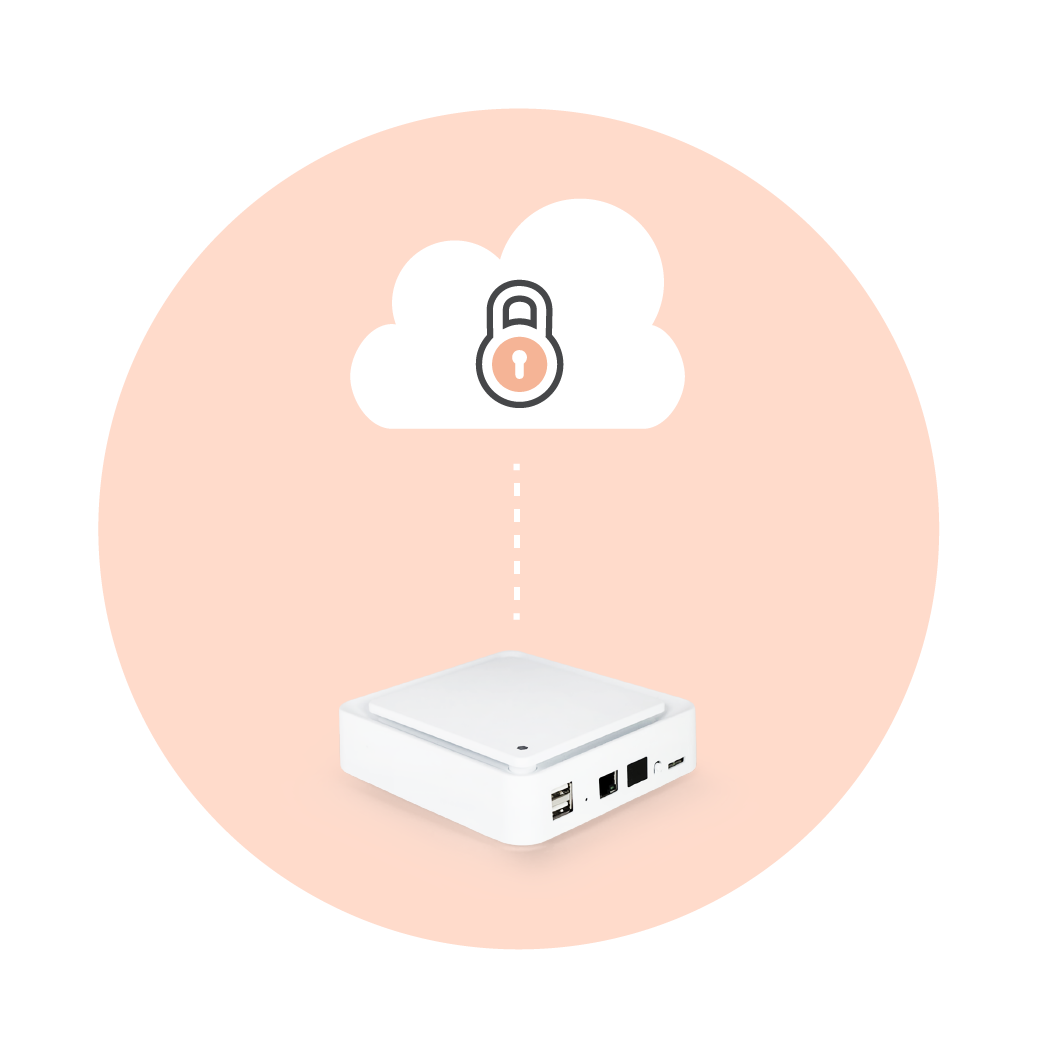
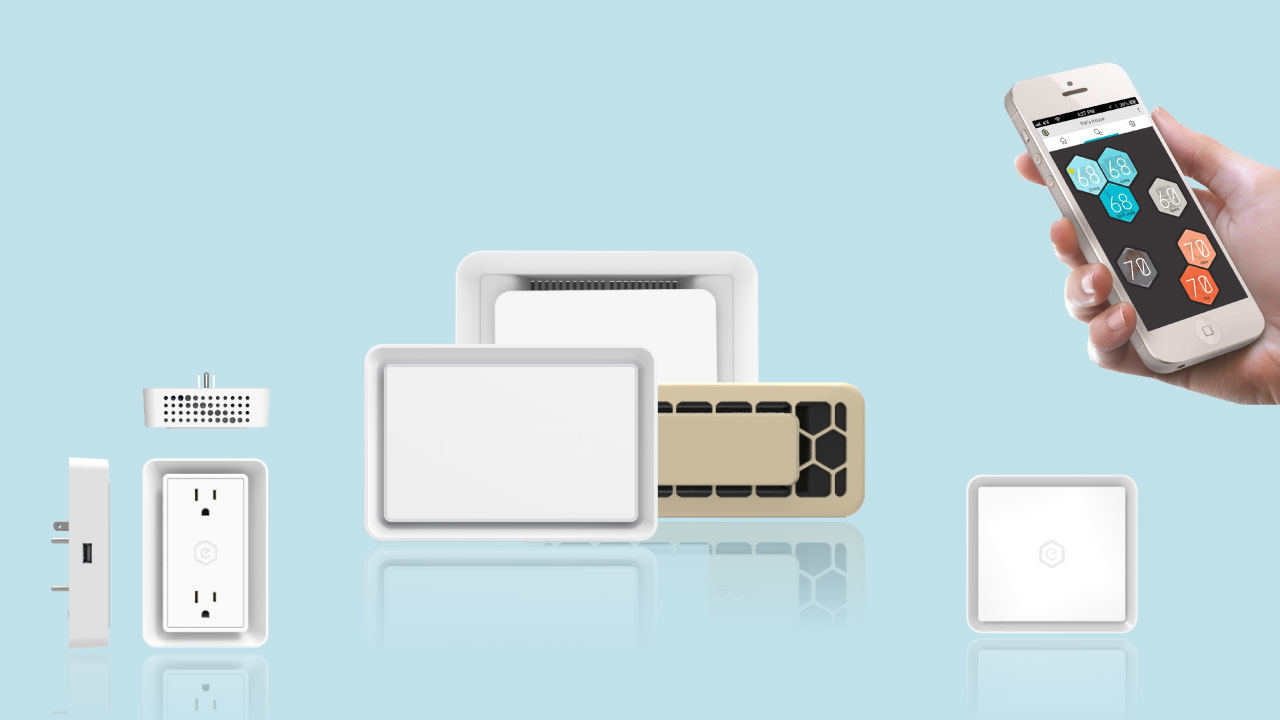
In the context of the connected home and IoT devices, end-to-end encryption means that all the data that your IoT devices gather (e.g., in the case of Ecovent, data related to the climate of your home or in the case of security cameras, the video that’s recorded) would be encrypted from the source until it gets to its final destination (e.g., your local computer, the cloud, etc.). With Ecovent, your data is encrypted from the moment it is generated by our smart vents and smart sensors all the way to your app or web browser, where you can see and change the climate in your home.
Again, do a little bit of homework to see if the makers of your smart home andr IoT devices take data security seriously.
5.5. Don’t ever update software.
It’s a cat and mouse game with cyber criminals. Internet threats are always evolving and security threats are constantly exposed. Patches and fixes are released, sooner rather than later, hopefully. However, those fixes won’t work if you don’t actually update your software. If you’re still using Internet Explorer from 2005, I’m talking to you. Update, update, update. Stay safe, friends.
“Hacker Rene” by Ivan David Gomez Arce is licensed under CC BY 2.0